Can Claude Design generate images?
Not by itself. Claude Design builds designs, prototypes, slides and one-pagers, and Anthropic’s pages do not say it makes photos or illustrations. Tintloom fills the gap: make the images in a Claude chat, add them to your Claude Design project, and your hero, product shots and illustrations are real pictures, not stock photos. It is free to start, with no card.
Checked on . Written by the team behind Tintloom, an independent image connector for Claude.
What Claude Design does with images
Claude Design is Anthropic’s way to make designs, prototypes, slides and one-pagers by chatting with Claude. A design is built as artboards, and each artboard holds layers such as text, shapes and images. You bring pictures in by uploading them. Source: Get started with Claude Design (Claude Help Center).
Anthropic’s pages do not describe an image generator in Claude Design. Its launch post talks about layouts, design systems and prototypes. So a design with a real hero photo, product shots or custom illustrations needs those pictures to come from somewhere else. The usual stand-in is a stock photo, which is the same photo other sites already use.
How to get real images into a Claude Design project
This is the route that does not depend on anything we could not confirm: make the pictures in a Claude chat, then attach them to the project.
Add Tintloom to Claude
On the connect page, press Add to Claude. It opens Claude with Tintloom’s address filled in, so there is nothing to type. Press Add, then Connect, and sign in at tintloom.com. It is free to start, with no card.
Make the images in a Claude chat
Open a Claude chat, switch Tintloom on from the plus button and ask for each image: “Use Tintloom to make a wide hero image for a bakery site, flour dust in morning light, with the left third empty for the headline.” Change anything in words until it is right.
Save the files
Open each image’s link to the full file and save it to your computer with a plain name, such as hero.png or mug-front.png.
Add them to your Claude Design project
In Claude Design, press the plus button in the message box and choose Attach file, or Attach folder for several. Then say where each goes: “Use hero.png as the hero image on the home artboard, and the three mug photos in the product grid.”
Refine in the design chat
Ask Claude Design for the layout changes as usual. If a picture needs to change, change it in the Claude chat, save it and attach the new file.
Hero, product shots and illustrations
Hero image
“Use Tintloom to make a wide hero image for a bakery website: flour dust in morning light on a wooden counter, with the left third empty for the headline.”
Product shots
“Use Tintloom to make a square product photo of a white ceramic mug on a plain grey background, soft light from the left.” Ask for the same wording again with a different angle to get a matching set.
Illustrations
“Use Tintloom to make a flat illustration of a person packing a parcel, in lime and navy, on a transparent background.”
Say the shape as a ratio, such as 16:9 for a hero or 1:1 for a product tile, and say where the headline goes so that area stays clear. More wording to copy is in the prompt gallery, and which image models Tintloom runs is on the models page.
What Tintloom makes
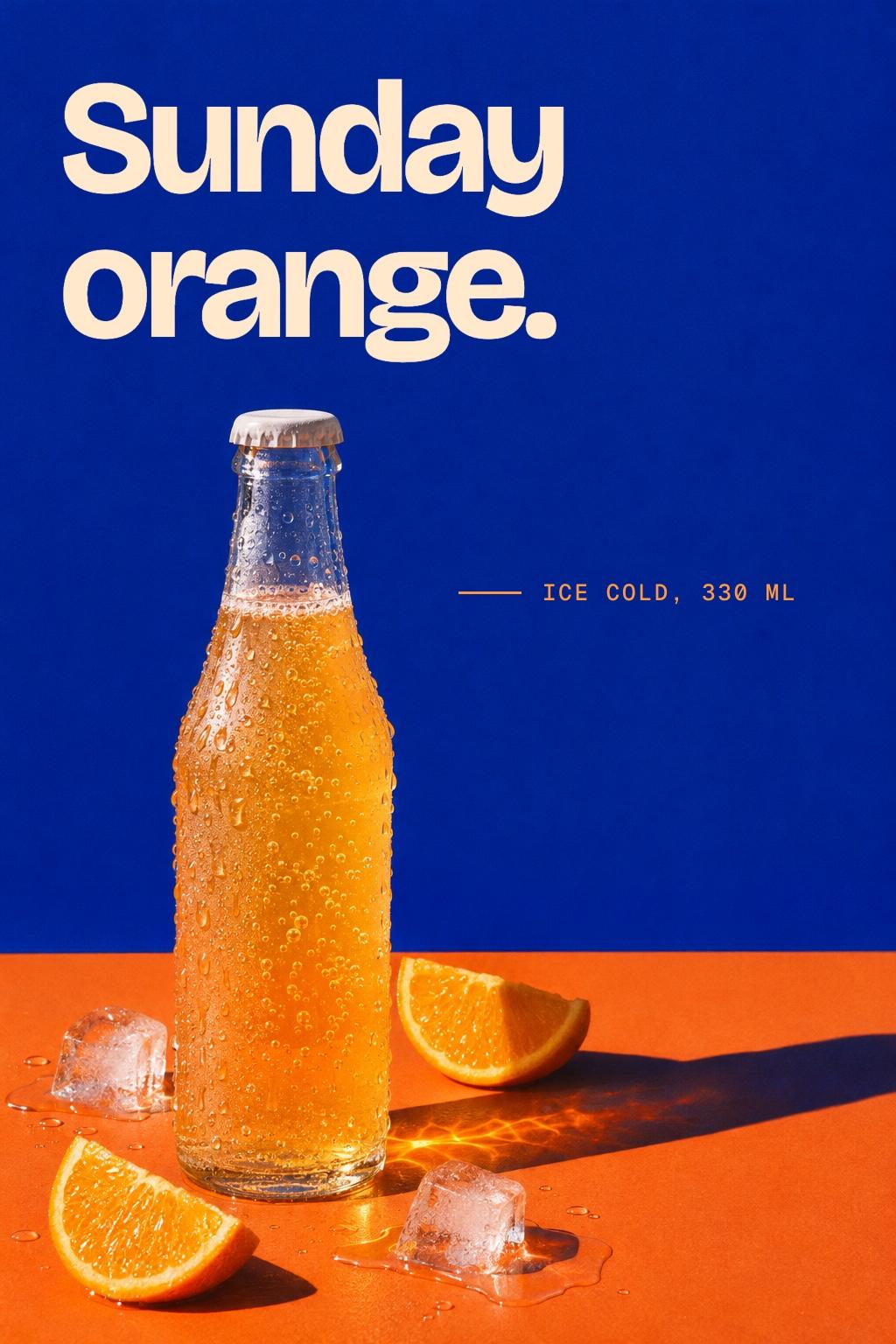
These pictures were made with Tintloom from words. You can start free, with no card.


What we checked, and what we did not
We read Anthropic’s own pages and opened Claude Design on 21 November 2026. Here is what each told us.
- What it is. Claude Design lets you create designs, interactive prototypes, one-pagers and other visual work by chatting with Claude. A design is built as artboards, and each artboard holds layers such as text, shapes and images.
- Who has it. Anthropic’s help center lists the Free, Pro, Max, Ultra, Team and Enterprise plans. Anthropic also says the standalone page at claude.ai/design closes on 14 December 2026, and that designs should be moved to Claude before then.
- Images you add. You can upload screenshots, images and existing assets. Anthropic’s pages list uploads as the way to bring pictures in. They do not mention an image generator.
- Connectors. Anthropic’s Claude Design pages do not describe connectors or MCP inside Claude Design. When we opened Claude Design on 21 November 2026, its plus menu had a Manage connectors item, and the list showed the connectors already set up on our Claude account, Tintloom among them, with the note that configured Claude connectors will also be available there.
Sources: Get started with Claude Design (Claude Help Center), Claude Design (claude.com) and Introducing Claude Design by Anthropic Labs (Anthropic).
Not confirmed: that a request for an image typed inside a Claude Design chat reaches Tintloom and puts the picture on an artboard. You can try it: add Tintloom in Claude first, then in Claude Design open the plus menu, choose Manage connectors and check Tintloom shows as connected. If the picture does not appear in the design, use the chat route above. Claude Design is in beta and Anthropic is changing it, so check its help page for the latest.
Limits to know
- Tintloom makes still images only. It does not make video.
- For your own real product, upload your own photos. Tintloom makes pictures from words, so it suits backgrounds, scenes, illustrations and extra shots.
- Short text works. Two to four words come out well. For longer text, set real type in your design.
- Tintloom is added to Claude as a custom connector, which Anthropic has not verified. That is normal for any connector added by link. See Claude connectors for images.
- Tintloom will not make images of a real person without their consent, or images that impersonate a real person or company. See acceptable use.
Questions
Can Claude Design generate images?
Not by itself, as far as Anthropic’s pages say. They describe designs, prototypes, slides and one-pagers made from a conversation, and they list uploads for pictures, with no image generator mentioned. An image connector such as Tintloom makes the pictures, and you bring them into the project.
Does Claude Design support connectors or MCP?
Anthropic’s Claude Design pages do not describe it. When we opened Claude Design on 21 November 2026, the plus menu in the message box had Manage connectors, and it listed the connectors set up on our Claude account, Tintloom included. We did not run an image request from inside a design chat, so we cannot say it works every time. The route we are sure of is to make the images in a Claude chat and attach them to the project.
How do I get real images into a Claude Design project?
Make them in a Claude chat with an image connector, save the files, then attach them in Claude Design with the plus button and Attach file. Tell Claude Design which image goes where on which artboard.
Can I try asking for images inside Claude Design itself?
You can try. Add Tintloom in Claude first, then open the plus menu in Claude Design, choose Manage connectors and check Tintloom is connected. Then ask for an image in the design chat. If it does not appear in the design, use the Claude chat route, which does not depend on it.
Can I make product shots for a design this way?
Yes. Ask for the product on a plain background in a set, with the same wording and a different angle each time, and attach the files. Tintloom makes pictures from words, so for your own real product, upload your real photos instead and use Tintloom for backgrounds, scenes and extra shots.
Can I get a transparent background for an illustration?
Yes. Ask for an illustration, sticker or logo with a transparent background and you get a PNG with a real transparent background. Check the edges before you ship it.
Which models does it use?
Tintloom runs several image models, including Nano Banana 2.1 and OpenAI’s GPT Image models. You can name one in the chat. The models page lists the ones on today.
Why not just use stock photos?
A stock photo is the same photo another site already has, and it rarely matches your colours or your layout. An image made from your words can leave room for the headline and use your palette. Check the licence terms of any image you publish.
Is it free?
Tintloom is free to start: a new account can make its first images without paying and without payment details. After that plans start at $5 a month, and paying yearly costs less, or you can buy a one-time top-up from $5. Prices are in US dollars. Claude Design has its own plan rules, set by Anthropic.
Is Tintloom made by Anthropic?
No. Tintloom is an independent product from Fleet and Fury LLC. It is not made, endorsed or sponsored by Anthropic. Claude Design is an Anthropic product.
Where to go next
Connect Tintloom
Steps for Claude, Claude Code and other apps.
Image models
Which models are on today, with a measured speed for each.
Claude Code image generation: app icon, OG image and hero image
An app icon, an OG image and a hero image, saved into your project.
New to image connectors? Start with Can Claude generate images?. Want to try it before you add anything? The free image tools make a sticker, a thumbnail, a wallpaper and more on this site, with the same account.
Tintloom is an independent product. It is not made, endorsed or sponsored by Anthropic. Claude Design is an Anthropic product.